 PartyBooth AI
The photo booth they're still talking about the next day.
PartyBooth AI is photo booth software for Windows: it takes the shot, transforms it with 96 AI effects, prints it, sends it to your guests' phones and shows it on the big screen in the room. No subscription.
7-day full trial with 30 AI credits, no credit card. For Windows.
After the first photo, there's a line.
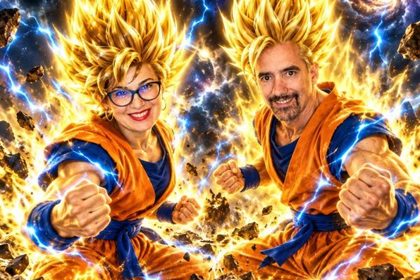
Everyone recognizes themselves, even as a superhero or a cartoon. And they want another go with a different effect.
One shot. Ninety-six different parties.
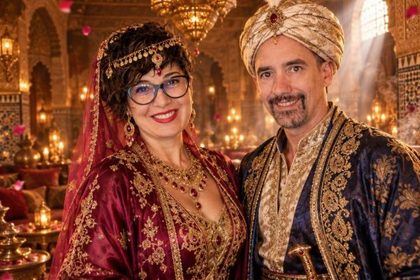
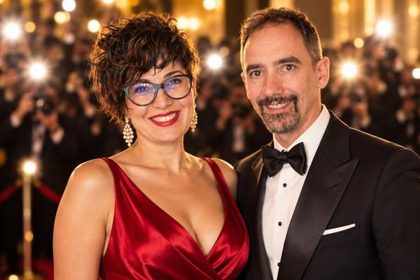
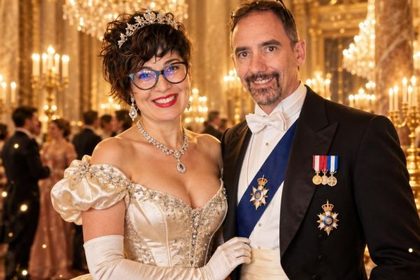
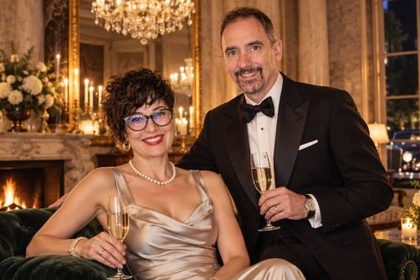
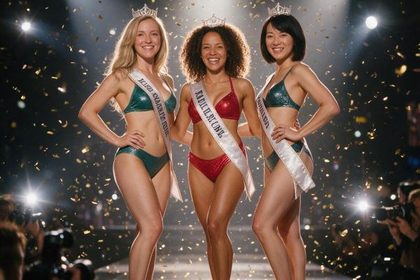
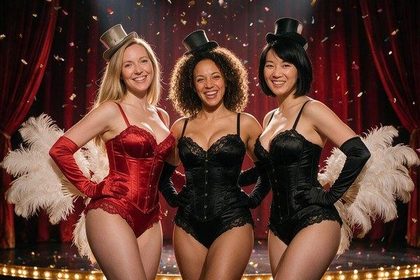
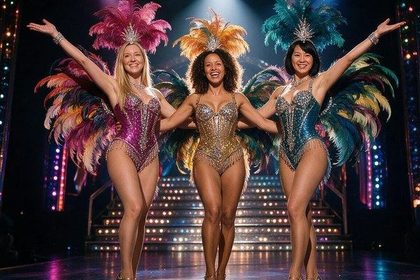
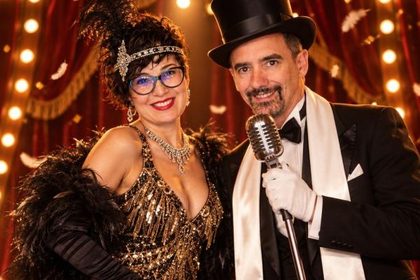
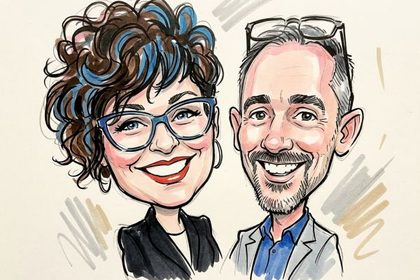
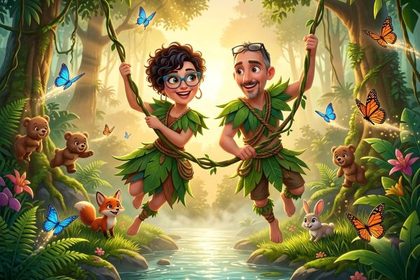
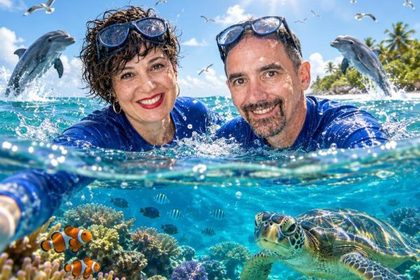
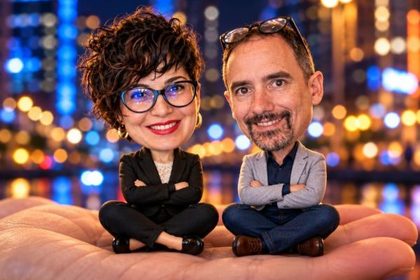
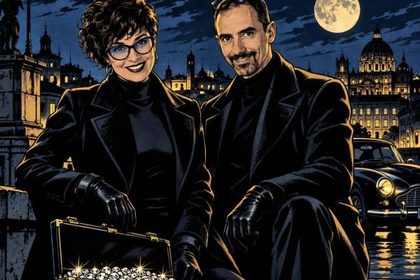
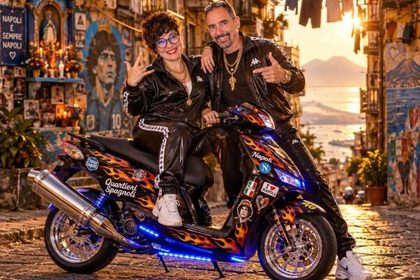
Eight themed packs of twelve effects: from movies to travel, from glamour to kids' parties. These are the previews you see in the app when you choose: tap the effect, and a few seconds later the photo is ready.
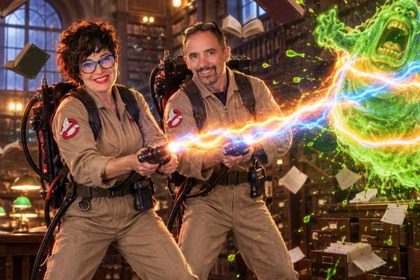
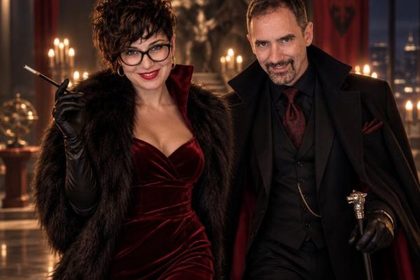
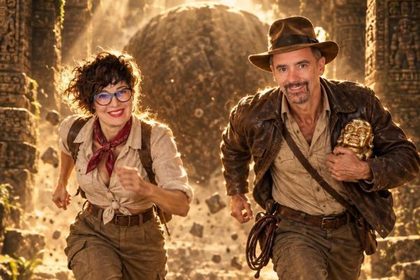

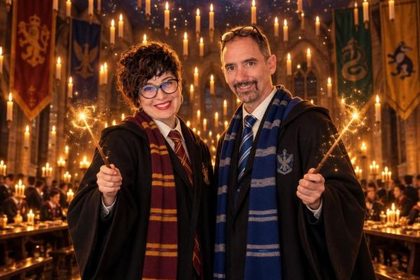
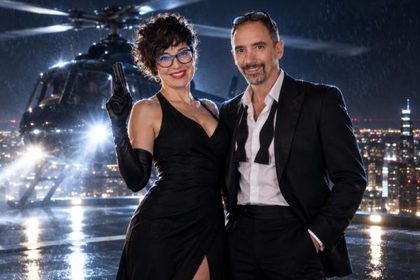
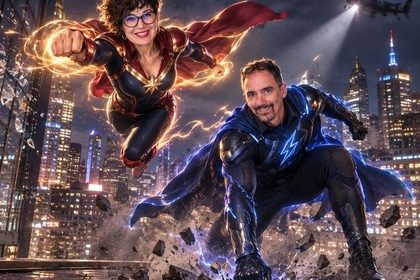
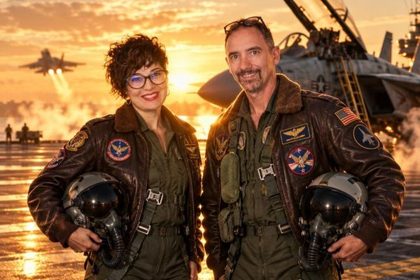
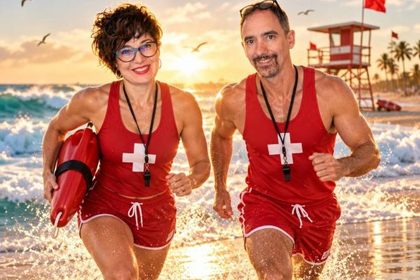
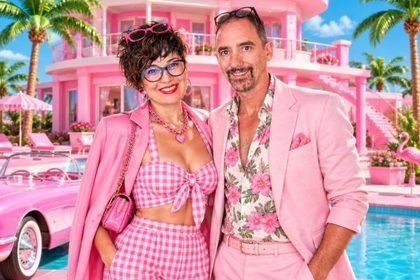
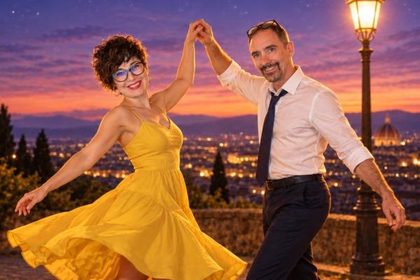
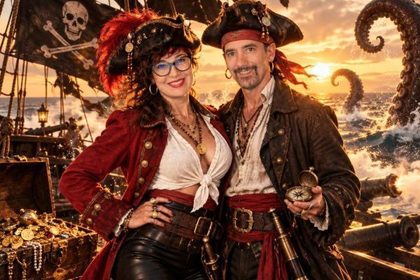
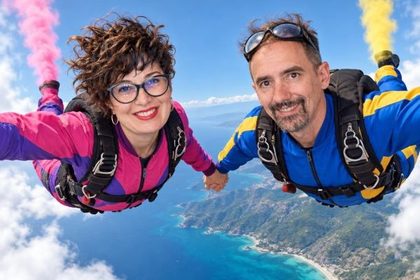
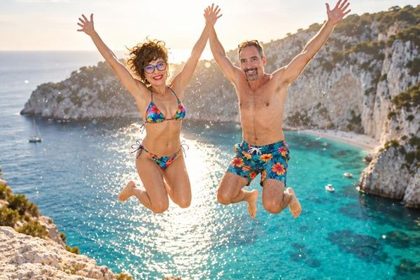

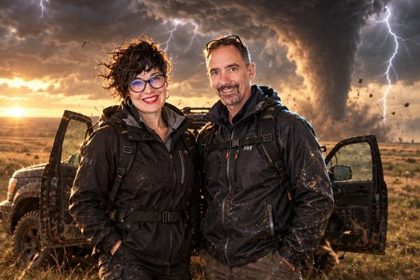




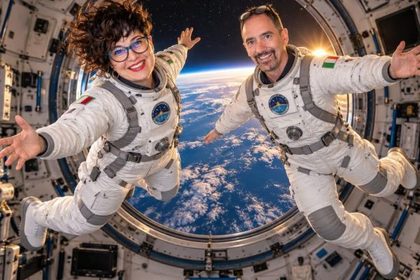
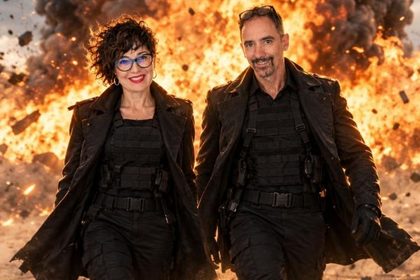

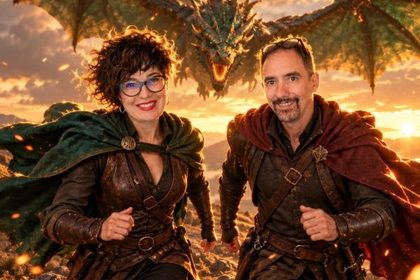

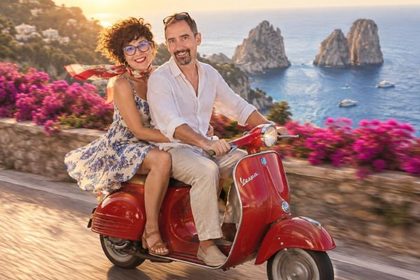
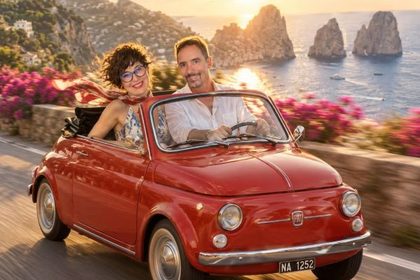
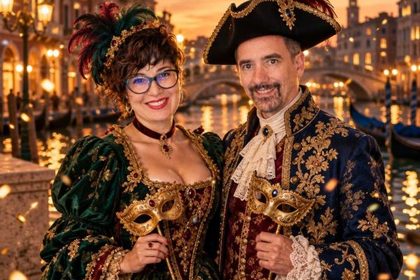

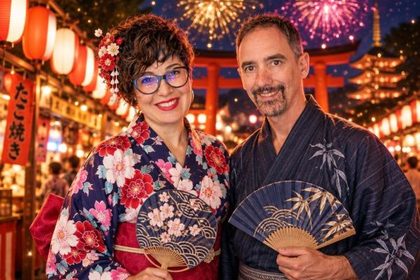


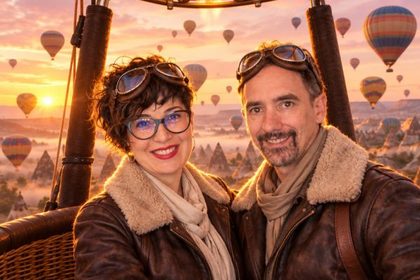
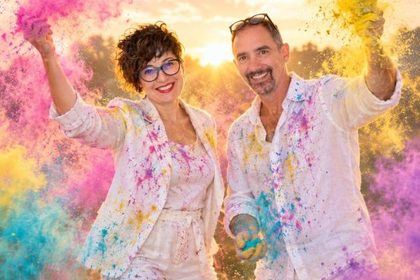
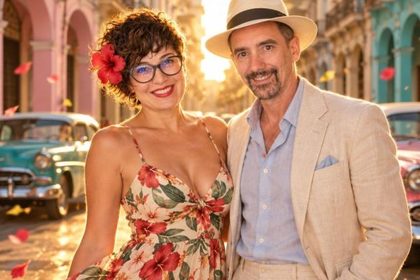
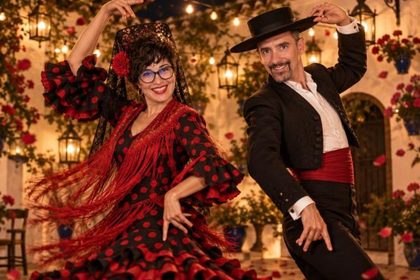
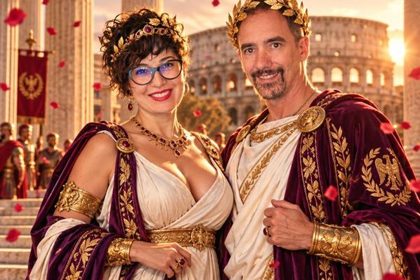
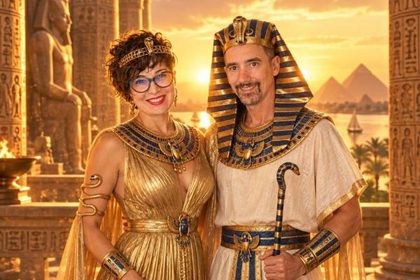
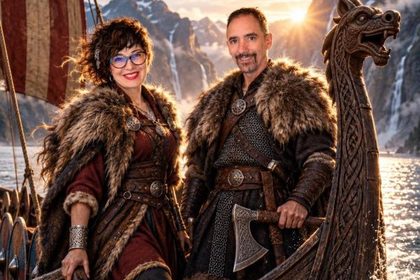
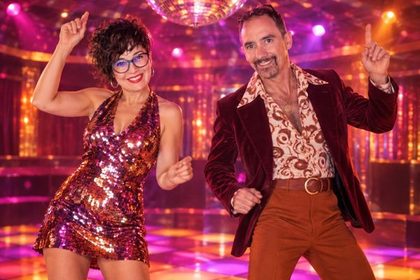
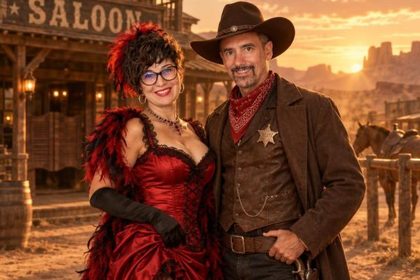
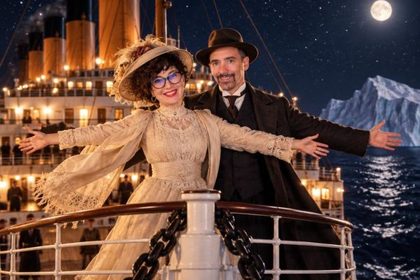
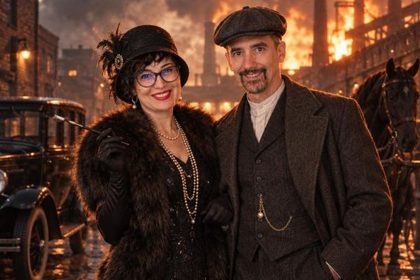
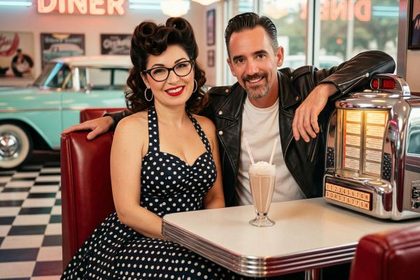
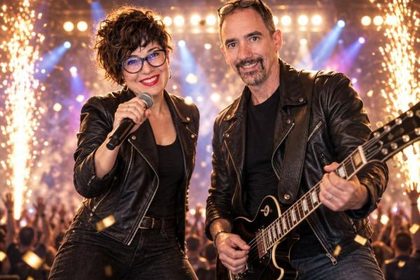
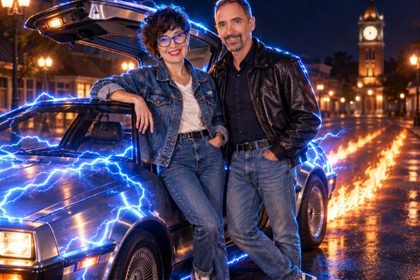
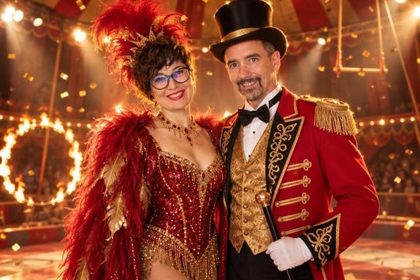



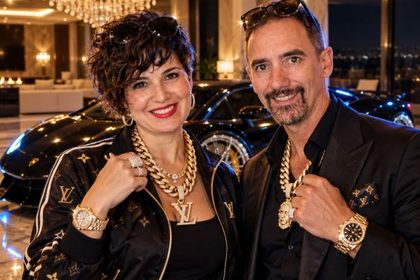


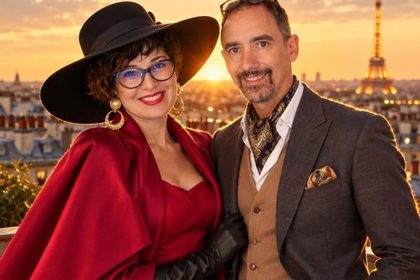
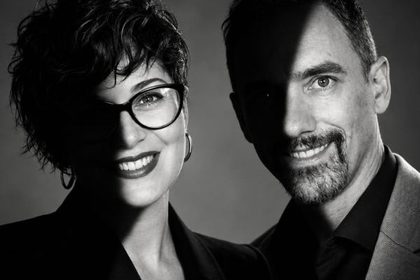

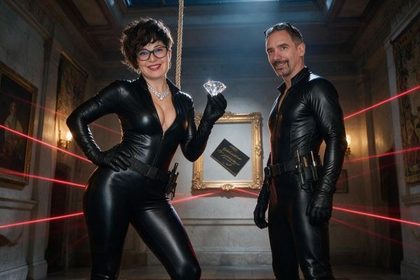

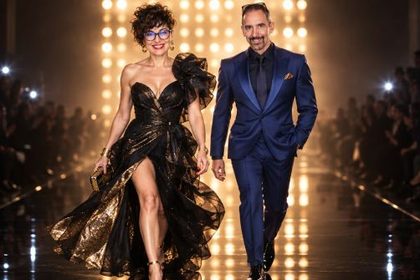

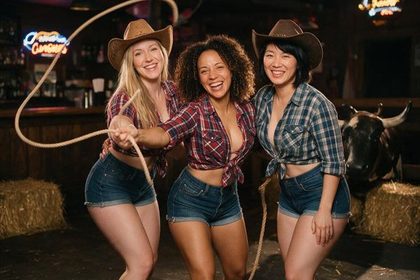

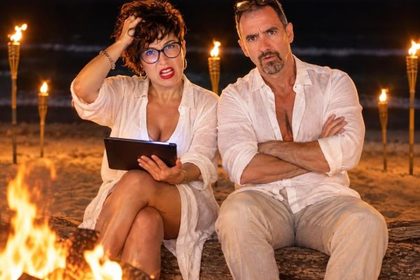

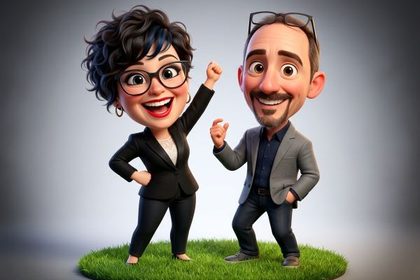

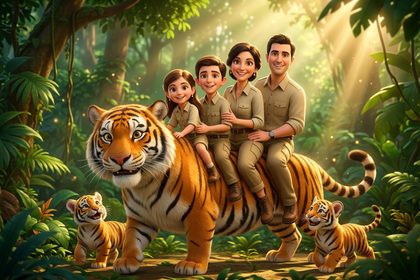
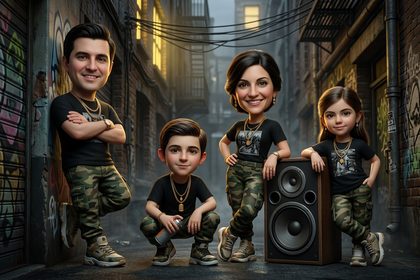

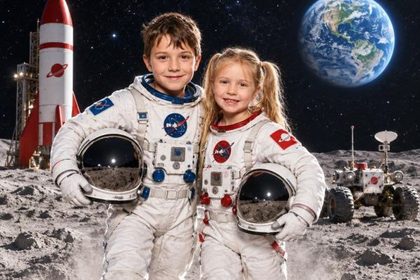
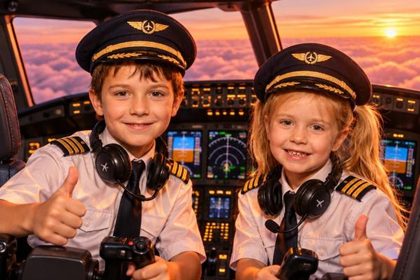
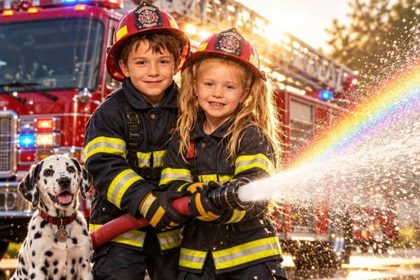




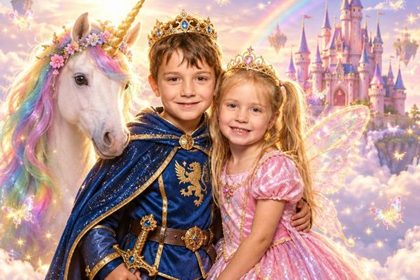
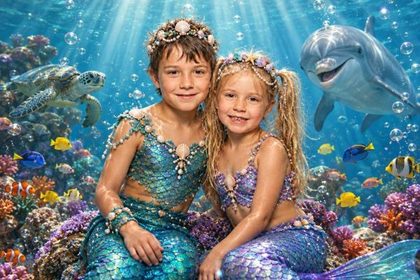
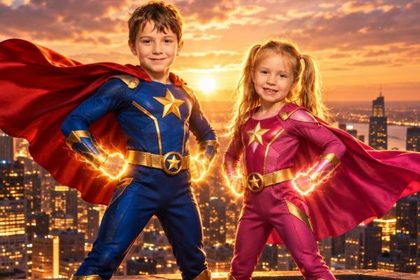
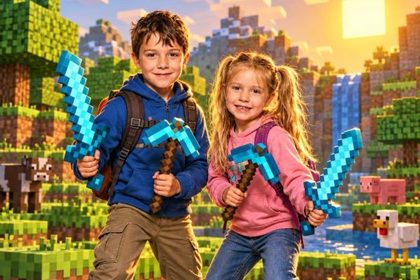

At kids' parties, they're the stars.
The Kids pack turns children into astronauts, pilots, firefighters, vets, dinosaur explorers, princes, princesses and mermaids. Recognizable faces, cheerful colors and nothing scary: the photo parents take home.
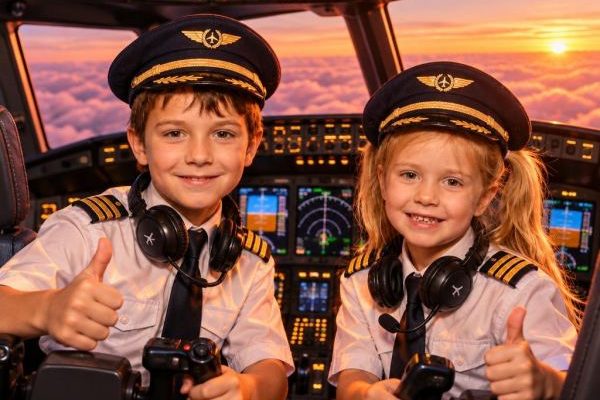
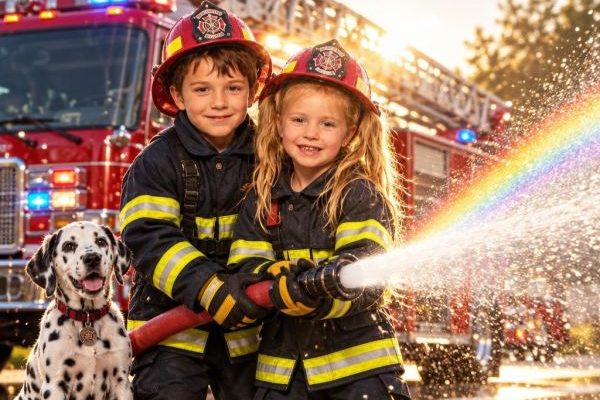


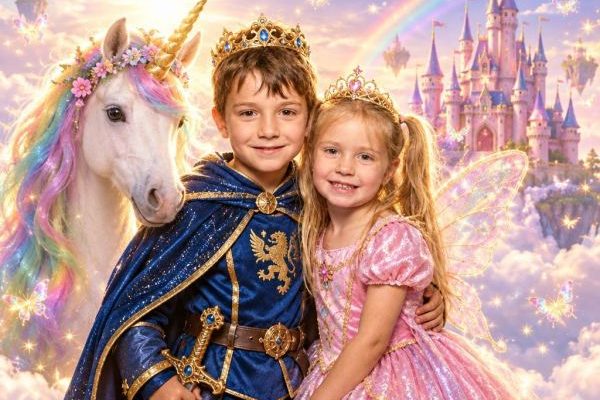
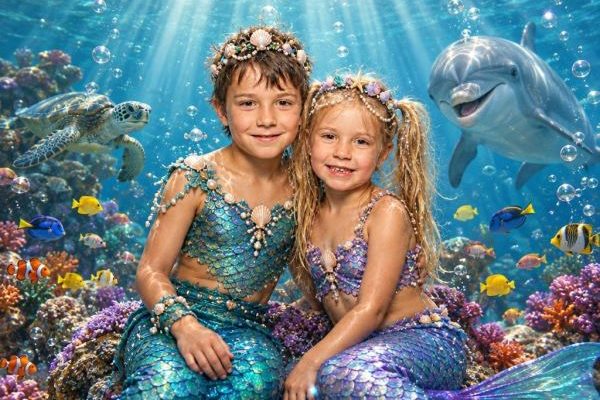
12 effects made for childrenGrown-up jobs and fantasy worlds, for one child, for siblings or for a group of friends.
Birthdays, First Communions, class partiesThe same program as the grown-ups' party: shot, effect, print and the photo on the parents' phones.
€30, or includedBuy it once and it's yours, and it's already included with the 6-month and annual licenses.
Shoot, transform, print, send, project.
That's how the party goes, one shot after another. You keep an eye on the line, the software does the rest.


- 01
The shot
On screen, guests see exactly the photo that will come out. Countdown, burst, and Best Shot throws out the blurry frames and the closed eyes.
- 02
The AI effect
One tap and in 12-25 seconds they're a superhero, a red carpet star, a cartoon. The face stays theirs.
- 03
The print
The photo with the effect comes out as a 4x6 print with your frame, already in place. With two printers, they take turns on their own.
- 04
The phone
The guest scans the QR code and takes home the photo and the transformation video. Your social links are on the page and, if you choose, they have to follow you before downloading.
- 05
The big screen
The party photos appear on the venue's TV or the DJ's screen, with the AI effect next to the original. All it takes is a browser and a 6-digit PIN, no cables from the booth. Included in every license, no credits.
Design the party frame in a minute.
Pick the shape, type the name, describe the party: the AI draws the design around the photos. No design software, no designer to call.
- 01
Shape
How many photos and where: you set the sizes, the AI decorates around them.
- 02
Lettering
The party name, on one or two lines: elegant, modern or playful.
- 03
Party
Occasion and theme, even in two words. Got the invitation? The AI takes its colours.
- 04
Design
First you read the style the AI will receive and change anything you don't like. Then half a minute and the frame is ready.

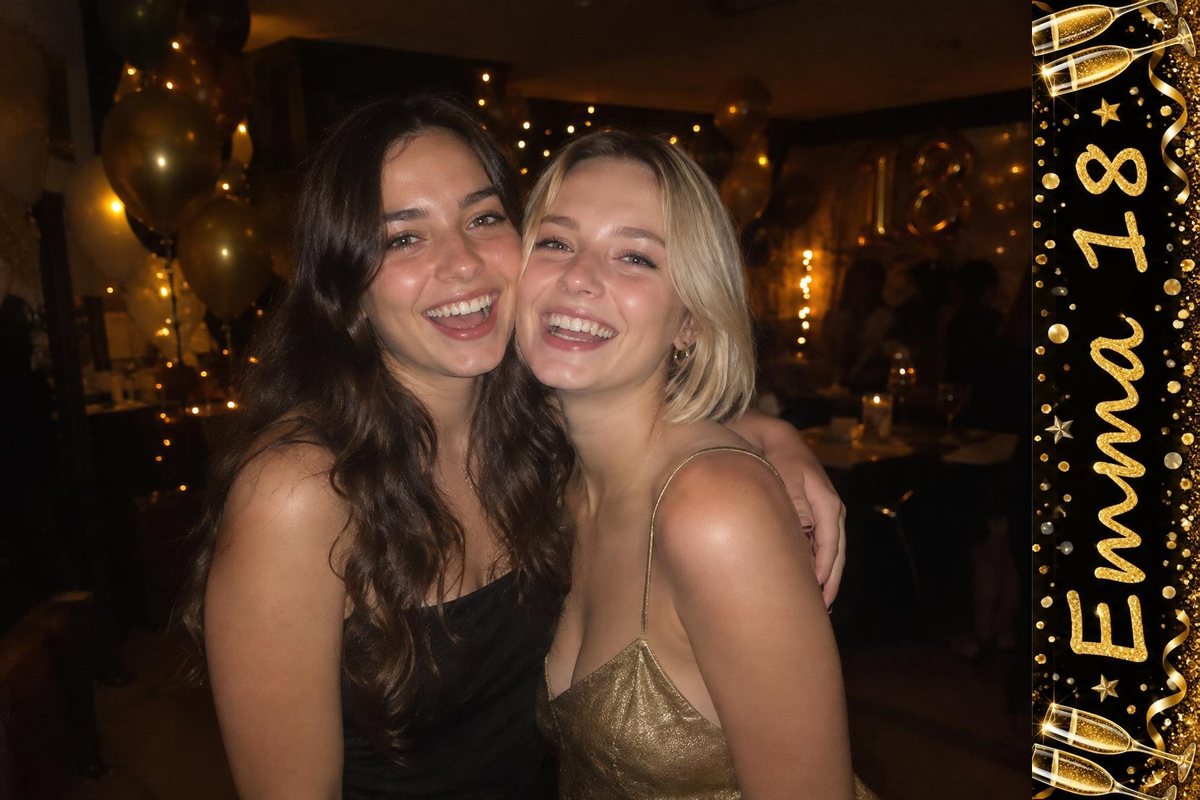

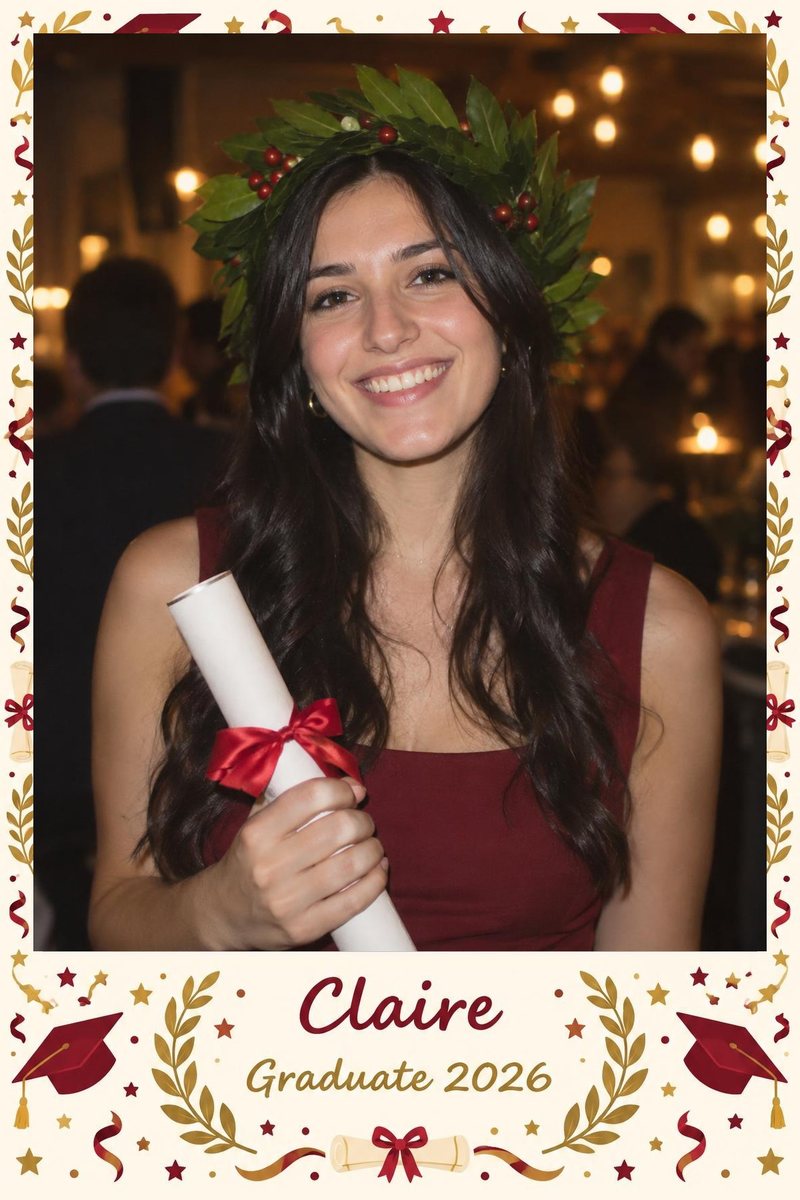

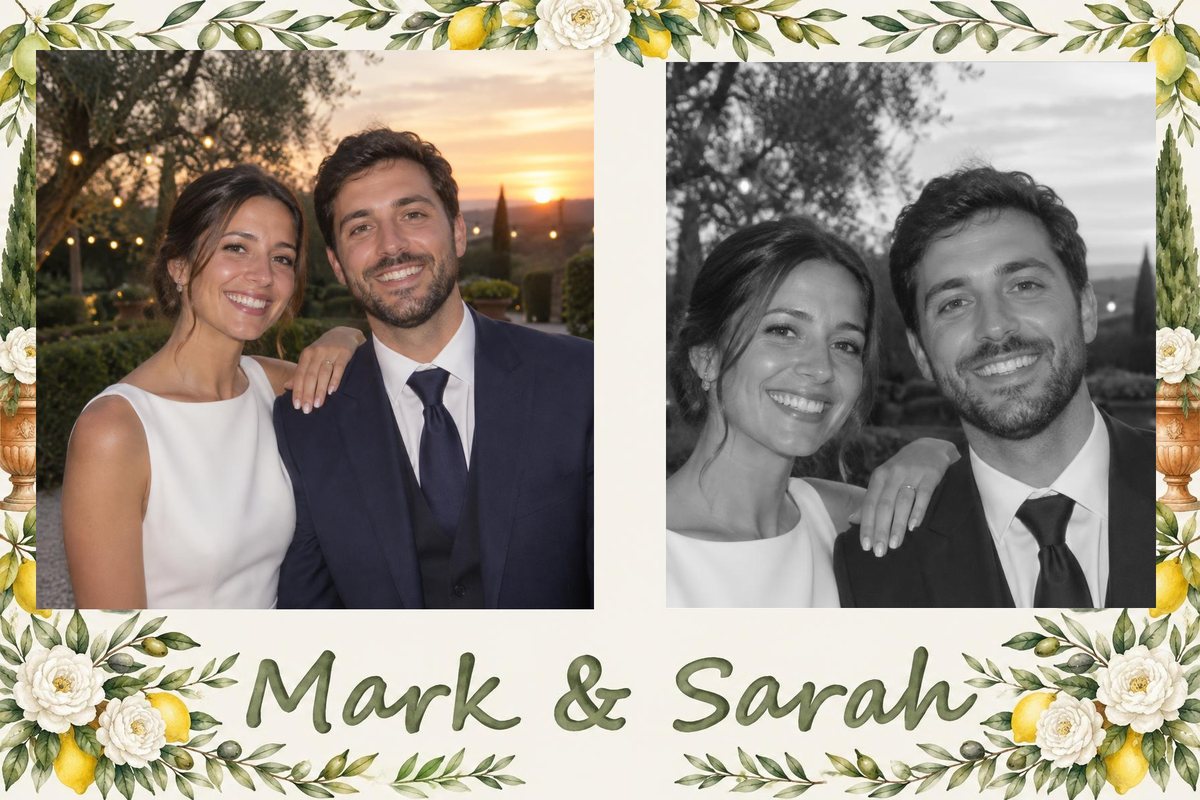

You set the photo windows before you start: the AI draws around them and the lettering never ends up under the photo.
The software re-reads every letter. If the AI got it wrong, it redoes the lettering by itself, at no cost.
Save it among your frames or as a PNG on your computer, ready for the next party.
The Party ID comes in the same style: a card for every guest.
The Party ID: a card for every guest.
Next to the photo, the AI writes lines made for whoever is in the shot: a legendary title, a level, a famous quote. Two guests, two different cards.

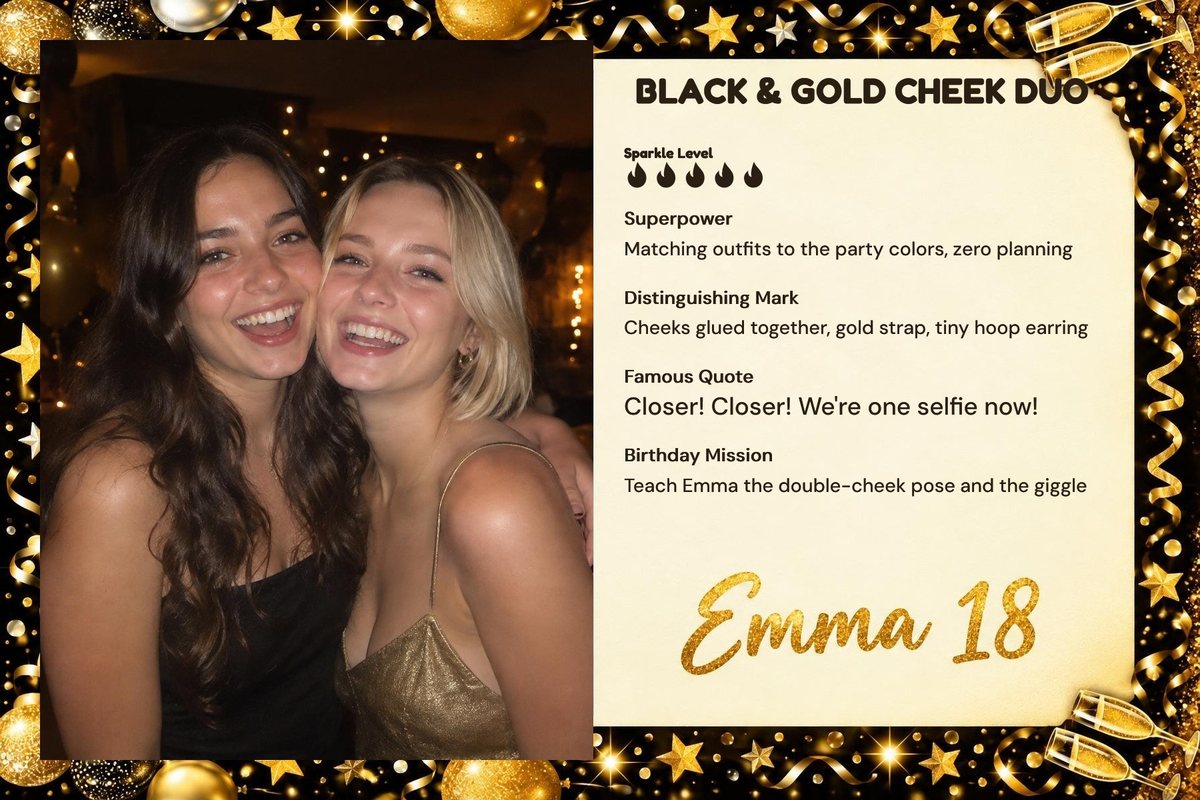

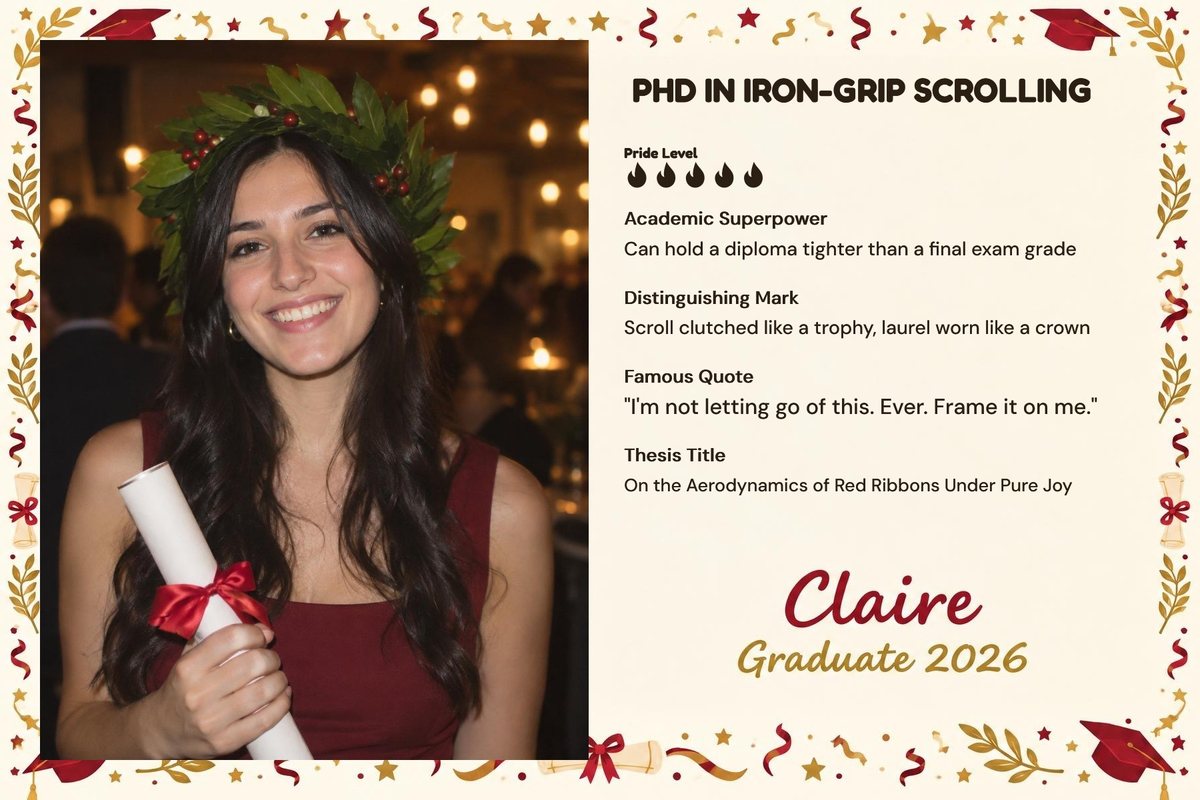
The AI takes its cue from what it really sees in the photo.
Describe the party and the AI prepares the titles. You choose the tone, more or less cheeky.
The frame editor creates the design, or you load your own PNG. The Party ID sits among the AI effects or comes out with every shot.
Everything you need behind the booth.
One screen, everything within a tap. It's a complete photo booth even without AI: the effects are an extra, never a requirement.


The shot
- What you see is what you printFraming and frame on screen exactly as they'll come out on paper.
- Light and colour, liveExposure, zoom, white balance, tint, saturation and contrast are adjusted on the screen while the party goes on. Venue lights changed? Two taps and faces look natural again. Two memory slots keep your most used settings ready, for example hall and garden.
- Webcam or DSLRStart with the webcam you have. When you want more, connect a Canon or a Sony over USB and use your own flash.
- Strips without waitingEach pose starts when you say so. One came out badly? Tap it and retake it.
- Live filtersBlack and white, soft black and white, sepia, high contrast, warm and cool film, on screen before the shot.
The print
- Your designLoad a PNG with your frame or have the AI draw it in the frame editor. Every pose lands in its place.
- Three ready templatesTwo-pose strip, three-pose strip and single 4x6 photo, so you can start right away.
- Any Windows printerEven two together: the software alternates them and the queue never stops.
The guests
- The QR code with your brandPhotos and videos land on the guest's phone with your name and your social links. Every share is advertising for you.
- The transformation videoA few seconds from the real photo to the effect: that's what ends up in stories.
- Background changeA new high-definition backdrop, for a single credit.
- Six languagesItalian, English, Spanish, Portuguese, French and German, switchable even mid-party.
Peace of mind
- Works without a connectionShooting, frame and printing always work. Internet is only needed for AI and QR codes.
- Credits mid-partyRunning low? Buy more from inside the app without stopping anything.
- PIN-locked screenGuests touch only what they're meant to touch.
- Every party in orderPhotos, prints and effects counted event by event, and everything copies to a USB stick.
What you need to get started. Not much.
A Windows PC, a camera, a printer. The booth I take to parties isn't a powerful PC, and it works.
Windows 10 or 11. A mini PC is enough: mine has an Intel N100 and 8 GB of RAM. Touchscreen or mouse, whichever you prefer.
Start with a webcam. Tested at parties: the Insta360 Link 2C Pro, which I use, and the DJI Pocket 3. Over a USB cable, Canon EOS and Sony Alpha too, with your own flash.
Any printer installed in Windows. For parties, a dye-sub: the DNP DS620 with 4x6 paper prints the single photo and the 2x6 strips.
Only for AI effects and QR codes: your phone's hotspot is enough. With no connection, shooting, frame and printing still work.
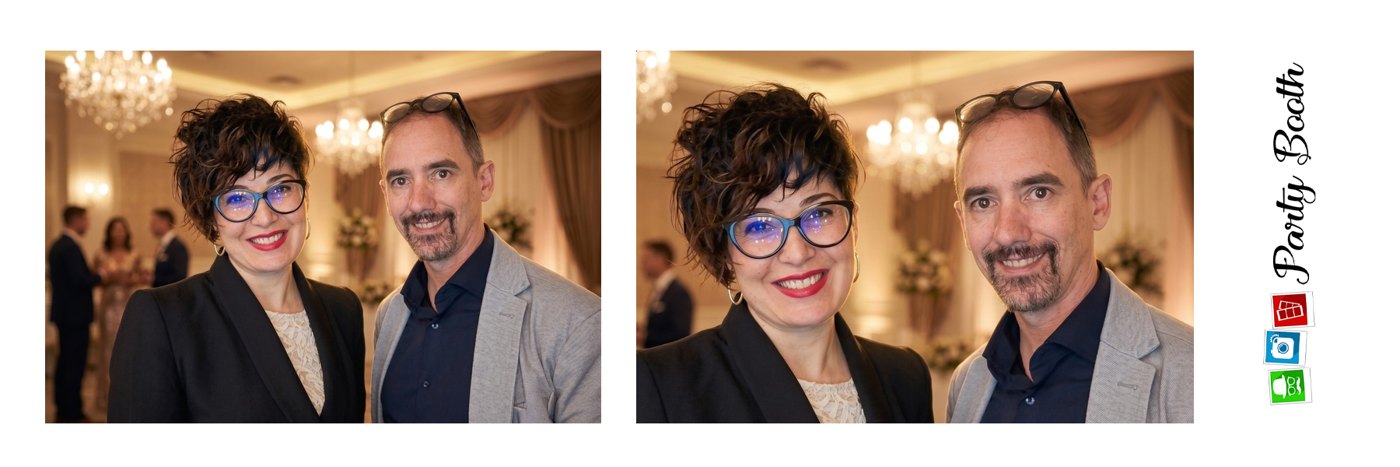

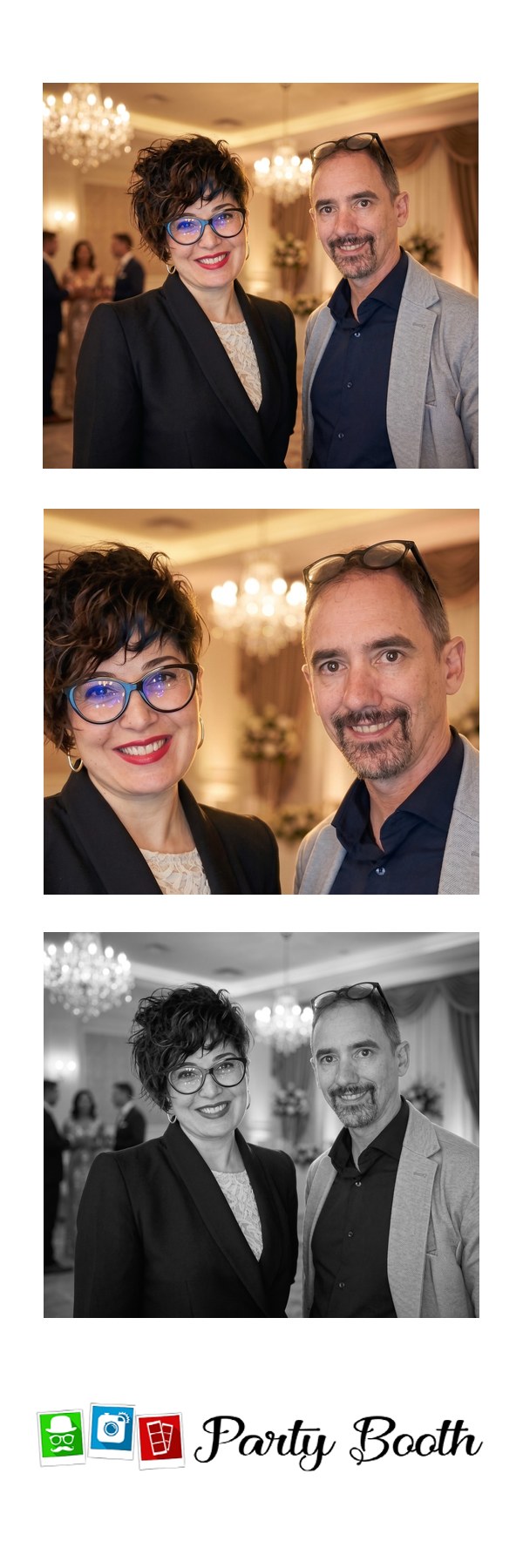
The three included designs, with real photos. AI effects apply to the single photo: strips are classic multi-pose photos. Load your own design and every pose lands in its place.
96 effects.
And more on the way.
It's not how many there are, it's that they're genuinely good: every effect is tested at real parties before it reaches you, and keeps improving. The preview tells you whether it works best solo, as a couple or in a group.
The Movies pack in every license12 effects ready from your first event, at no extra cost.
7 themed packs of 12 effects€30 each, bought once and yours forever.
All included with 6 months and annualIncluding packs still to come, at no extra cost.

“I've been a photographer for 25 years and I've been bringing photo booths to parties for 10. PartyBooth is the software that was missing behind the booth: I refined it wedding after wedding.”Gian Marco Elti di Rodeano, photographer and founder · see my work
“My advice: try it at a real party, even a small one. You get seven days free, no card. That's why no license renews on its own: even just a weekend, and you decide in your own time.”
Before it reaches you, every version goes through real parties: more than 1,000 AI transformations and 1,500 printed photos.
No subscription. Even just for a weekend.
Many photo booth programs are paid as a recurring fee, and AI is almost always extra: an add-on, a higher plan or another subscription. Here you only pay for the days you work.
- A license, not a recurring feeFrom 72 hours to a year. You pay for the events you actually work.
- AI on creditsNo separate fee: credits are deducted only when the effect succeeds.
- No automatic renewalThe license ends, and that's it. Your card isn't touched again.
72 hours · one weekend
€25
Lasts 72 hours from the moment you pay. For one event, or to try it for real.Monthly
€49
A month of parties.6 months
€269
All packs included, new ones too: €210 of effects already covered.Annual
€480
All packs included, new ones too: €210 of effects already covered.€25
100 effects · about €0.25 each€45
200 effects · about €0.22 each€60
333 effects · about €0.18 eachAn AI effect costs 3 credits, 5 in Pro mode; a background change costs 1. An average event, 70 to 100 effects, costs between €12 and €18 in credits. Licenses and credits are bought from inside the app, even mid-party, by card, PayPal and other methods through an international payment partner: your card details never pass through our servers. Credits stay valid for up to a year after the license ends. Prices include Italian VAT; for other countries the payment partner calculates the tax at checkout.
Founders Program, for the first 20 operators. Annual license at €380, locked in forever, a direct line to me and your name among the first 20. In return I ask for your honest opinion of the software.
ApplyBuilt by someone who works the booth. Not by a software company.
I've been a photographer for 25 years and I've been taking the photo booth to parties for 10. Software companies write photo booth programs; I work with one every Saturday night. The difference is in what the software already knows, before it happens.
- At a party, the line forms in twenty seconds.
- The effect arrives in 12-25 seconds, the video creates itself, and if the AI fails the credit isn't deducted. Nobody stands there watching a spinner.
- The venue's Internet comes and goes.
- Shooting, frame and printing don't depend on the network. When it's back, the AI picks up again on its own.
- The printer jams at eleven at night.
- Two printers taking turns: the queue doesn't stop, and you don't have to leave your table.
- Kids close their eyes, groups move.
- Best Shot fires a burst and throws out the blurry frames and the closed eyes. A pose that came out badly is retaken with a tap, without redoing the others.
- You don't work twelve months a year.
- You buy the license for when you work, even a single weekend. And it doesn't renew on its own.
- The problem shows up on Saturday night.
- Write from inside the app and the diagnostics go along automatically. The reply comes from someone who was at a party yesterday, not from a ticket system.
A subscription you pay even in the months with no parties. Or hundreds up front before you've tried it at a real event.
From €25 for 72 hours to €480 for a year. No automatic renewal.
AI is paid separately: an add-on, a higher plan or another subscription.
On credits, no subscription. A credit is deducted only if the effect succeeds.
Menus, settings, an afternoon of testing before your first party.
One screen. Download, open, shoot.
You pay again for the new version, or it stays locked inside the subscription.
Always included.
You draw it, in a template editor or with design software.
The AI draws it: you pick shape, name and party, and read the style first.
What it doesn't do, yet: GIFs and boomerangs, sending by email or SMS (guests get everything through the QR code), iPad and Android. If you need those, better to know now.
The questions we get asked.
Can it run on its own, without an operator next to it?
Yes. In kiosk mode the screen shows only PartyBooth, settings are locked with a PIN and you decide how many effects and prints each photo allows. Guests shoot, pick the effect and print on their own: you just come by to change the paper.
How long does an AI effect take?
Usually between 12 and 25 seconds, so the line keeps moving: while the effect arrives, the next guest gets ready. It mostly depends on the venue's connection and on how busy the servers are at that moment.
Do people stay recognizable? What about groups?
Yes: the effects are built to keep everyone's face, and they work with small groups too. With many people each face is smaller and the likeness drops. Best results come with soft light on the face, no backlight, only the people who should be in the frame and no big glasses or wigs covering the face. If the effect fails, no credit is charged.
Does it work without Internet?
Shooting, frame and printing always work, even offline. Internet is only needed for AI effects and QR codes.
Can it handle a whole night?
It's the software I use at my own events. By mid-September 2026 it had run 71 events: about 6,000 photos, more than 6,200 prints and 3,700 AI effects.
Which cameras work?
Any webcam recognized by Windows, built-in or USB, and cameras that work as a webcam. Direct connection to Canon and Sony DSLR and mirrorless cameras is growing: with the free trial you can check your own gear without spending anything.
Why a Windows PC and not a tablet or a Mac?
Because a PC-based booth holds up for a whole event: it drives real DSLR and mirrorless cameras with an external flash, runs for hours without overheating and handles professional photo printers reliably.
Can I use my own design and adapt it to each event?
Yes. Load a PNG with your frame and the software puts every pose in its place, or have the AI draw it in the frame editor: pick the shape, the name and the party. Each event can have its own design. Three templates are included: two-pose strip, three-pose strip and single 4x6 photo. Your logo and social links also appear on the guests' page and on the screen in the room.
Where do the guests' photos end up?
They stay on the booth PC. For the AI effect the photo passes through our servers only for the seconds of processing, and we never use it to train models. For the QR code the photo stays on the server for as long as the link lasts, six hours, then it's deleted. Details in the Privacy Policy.
Do guests need to download an app to get their photo?
No. They scan the QR code with their phone camera and a page opens with their photo and the transformation video, ready to download. The page shows your name and your social links.
How much does PartyBooth AI cost?
The license costs €25 for 72 hours from payment (one weekend), €49 for a month, €269 for six months and €480 for a year, with no automatic renewal. AI effects are paid for with credits: 300 credits for €25, 600 for €45, 1000 for €60. One effect costs 3 credits, so between €0.18 and €0.25.
Is there a free trial?
Yes: 7 days with the full program, all the effects and 30 AI credits, no credit card. Download, install and try it, even at a real party.
Is PartyBooth AI a subscription?
No. You buy a license for the time you need, from 72 hours (€25) to a year (€480), and it never renews on its own. AI isn't a subscription either: effects run on credits bought separately, and a credit is deducted only when the effect succeeds. Credits stay valid until a year after the license ends.
Can the photos be shown on a TV or the DJ's big screen?
Yes, it's included in every license and uses no credits. Turn projection on in the program; on any TV, projector or computer with a browser, open partybooth.ai/live and type the 6-digit PIN. The latest photo stays in front and the AI effect appears next to the original. If you like, only photos with the effect go on screen, so a bad shot is never seen. You can add your logo and a QR code on each photo to download it. When you close the projection the photos are deleted; with the QR on they stay 6 hours, as long as the guests' links.
Your next party, run it with PartyBooth.
Seven days free with the full program, all the effects and 30 AI credits. No card, no commitment.
Questions? Message me on WhatsApp